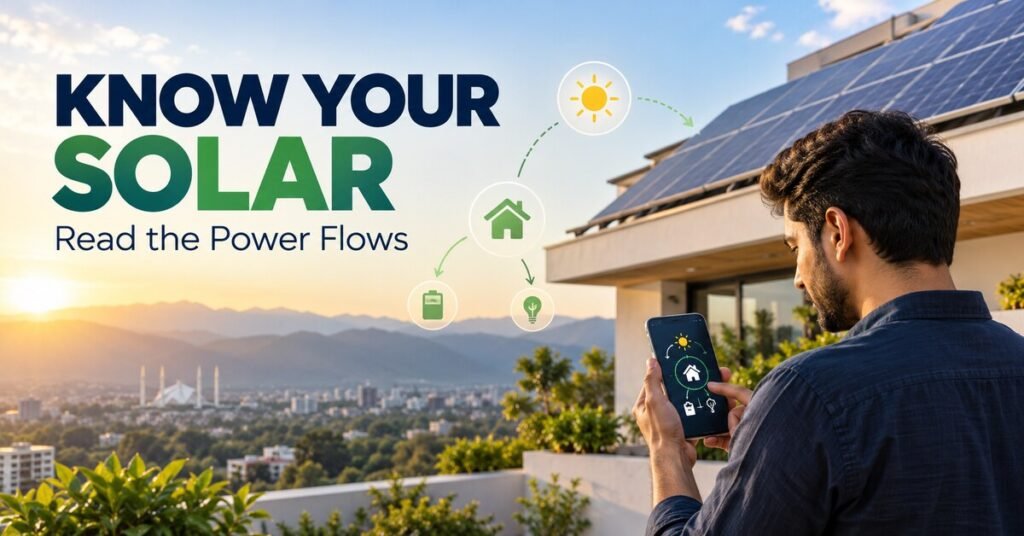
Your inverter app says you “generated 25 units today” — so why is the electricity bill barely lower? The answer is usually hiding in what the app does not show: how much of that energy your home actually used, how much went back to the grid, and how much you imported after sunset. Monitoring is only useful when you understand exactly which flows are measured and which are being guessed at.
Power vs energy: read the right number
Every monitoring screen mixes two different quantities. Power (kW) is the rate at this instant — “the array is producing 4.2kW right now”. Energy (kWh, “units”) is the accumulation over time — “the array produced 22kWh today”. A 5kW reading at noon does not mean five units were banked; if clouds arrive ten minutes later, the day’s total barely moves. When comparing against your monthly bill, only energy totals matter, and only for matching periods: compare the app’s monthly kWh with the bill’s monthly units, never an instantaneous kW reading with a bill. This single confusion explains most “my system is underperforming” panics.
The four flows that matter
A complete picture has four numbers: generation (what the panels produced), consumption (what the home used), export (surplus sent to the grid), and import (grid electricity bought, mostly at night). They relate simply: consumption = direct solar use + import + battery discharge; generation = direct use + export + battery charging + losses. The bill falls only when imports fall. A system can generate impressively while the bill stays high — if the family runs heavy loads after sunset, or if most daytime generation is exported at low credit rates while expensive peak-hour imports continue. Ask your monitoring to show all four flows, not just the flattering one.
What your installation actually measures
Not all dashboards are honest about their sources. Many basic setups measure only inverter output (generation) and estimate the rest. True consumption, import and export figures need correctly installed current-transformer (CT) clamps or a compatible smart meter at the grid connection — and CT clamps installed backwards or on the wrong cable produce confident-looking nonsense. Battery data may come from the BMS or a separate sensor. At handover, ask the installer to point at each number on the screen and name its physical source: “this sensor, on this cable, measuring this”. If they cannot, treat the pretty graphs as decoration until proven otherwise. After any electrical work, re-check that the readings still make sense — a moved clamp silently corrupts everything downstream.
Keep the system healthy once it is running
Monitoring plus a maintenance routine catches failures early.
Using monitoring to catch real problems
Once you trust the numbers, they become a diagnostic tool. Compare generation across similar sunny days — a sudden 15–20% drop with no weather explanation deserves investigation: a tripped string, heavy soiling after a dust storm, new shading from a neighbour’s construction, or an inverter fault. Watch for the slow drift too: gradually declining midday peaks over months often mean dust accumulation (common in Pakistan’s dry season) rather than equipment failure — a wash restores it. Set a simple habit: glance at daily energy weekly, and investigate any day that looks wrong for its weather. The most expensive monitoring failure is the dashboard nobody opens.
What to demand at handover
Before the installer leaves, secure these: the monitoring app installed on your phone and logged into your account (not the installer’s), a walkthrough of each screen and what each number measures, alert thresholds configured (e.g. notify if daily generation drops sharply), and written confirmation of what is measured versus estimated. Also confirm who to call when numbers look wrong — and that remote diagnostics access, if the inverter supports it, is enabled for your service provider. A system handed over without working monitoring is a system you cannot verify; insist on it as firmly as you insist on the panels themselves. If you are on net metering, cross-check the app’s export totals against your net-metering bill for the first two months — mismatches reveal metering errors early, when they are still fixable.
Is your system actually paying back?
Turn monitored generation into a real savings calculation.
Frequently asked questions
Why doesn’t my bill match the app’s generation total?
Because the bill reflects imports, not generation. If much of your solar was exported or used when loads were light, imports — and the bill — stay high. Compare the app’s import figure with the bill’s units, not generation.
My app shows consumption but I have no smart meter — is it accurate?
It is estimated, not measured, unless CT clamps or a meter are installed at the grid connection. Ask your installer what the consumption figure is based on before making decisions from it.
How much generation drop is normal vs a fault?
Day-to-day swings of 10–30% with weather are normal. A persistent drop on equally sunny days, or one string reading zero while others are fine, points to soiling, shading or equipment — investigate.
Can monitoring detect a failing panel?
Indirectly: string-level monitoring shows when one string underperforms its siblings, which narrows the fault to a few panels. Pinpointing the exact panel needs on-roof testing by a technician.